如何在ulead cool 3d中给文字添加边框
1、打开ulead cool 3d,进入它的主界面;
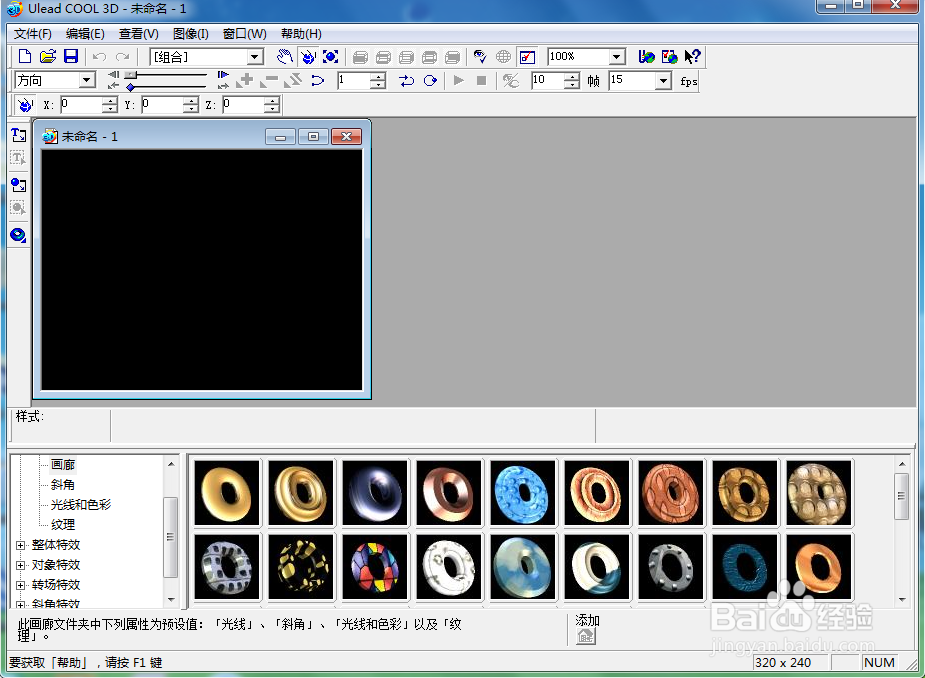
2、点击插入文字工具;
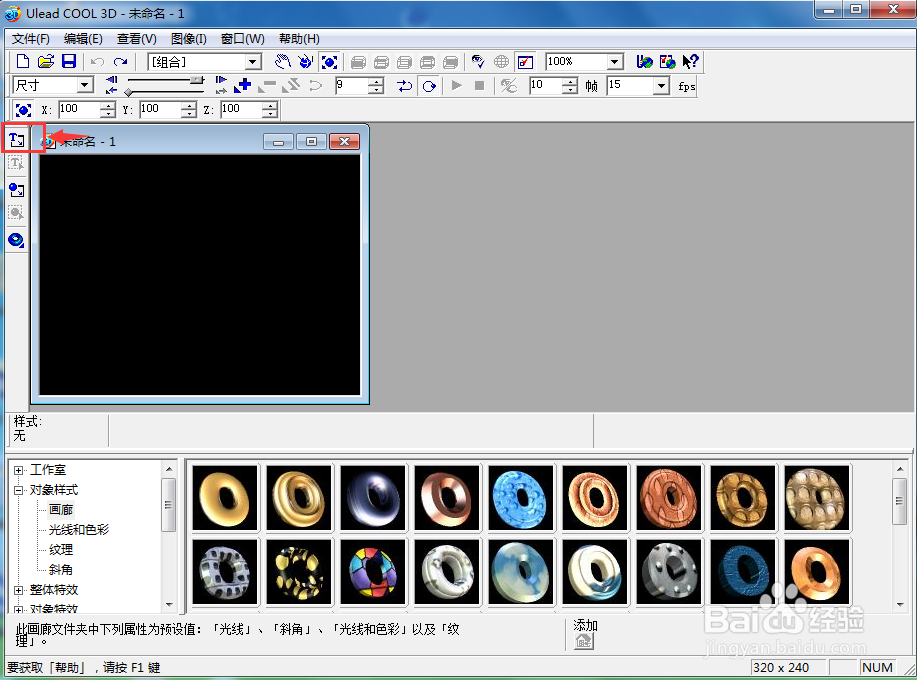
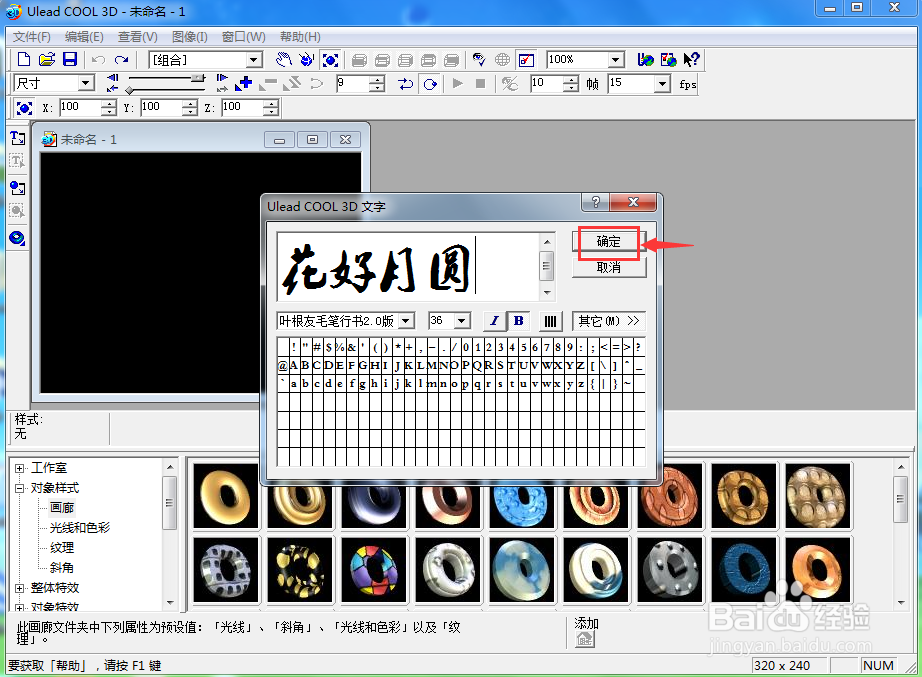
3、输入需要的文字,按确定;
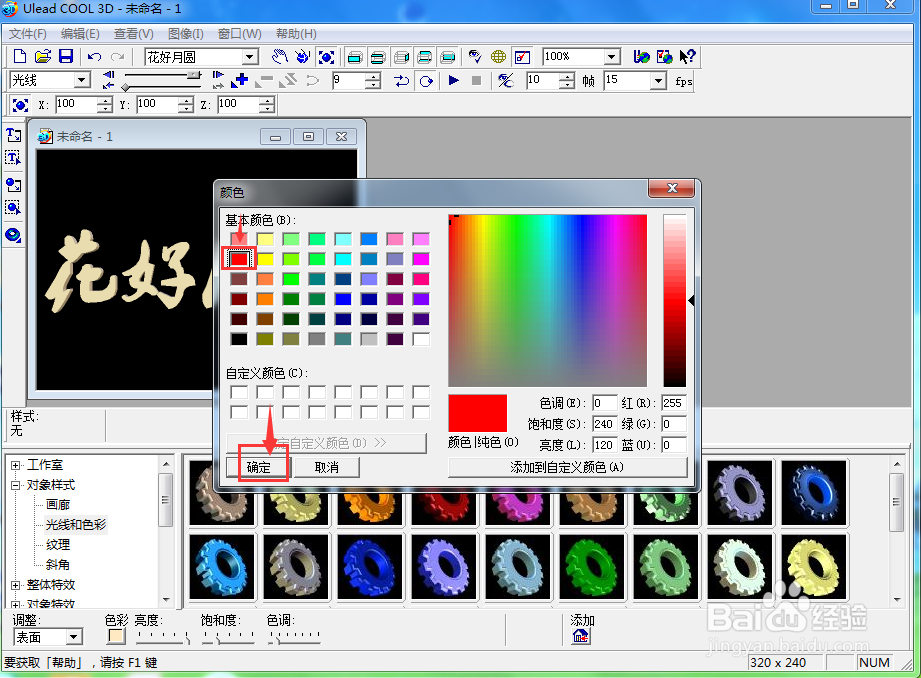
4、点击光线和色彩下的色彩,选择红色,按确定;
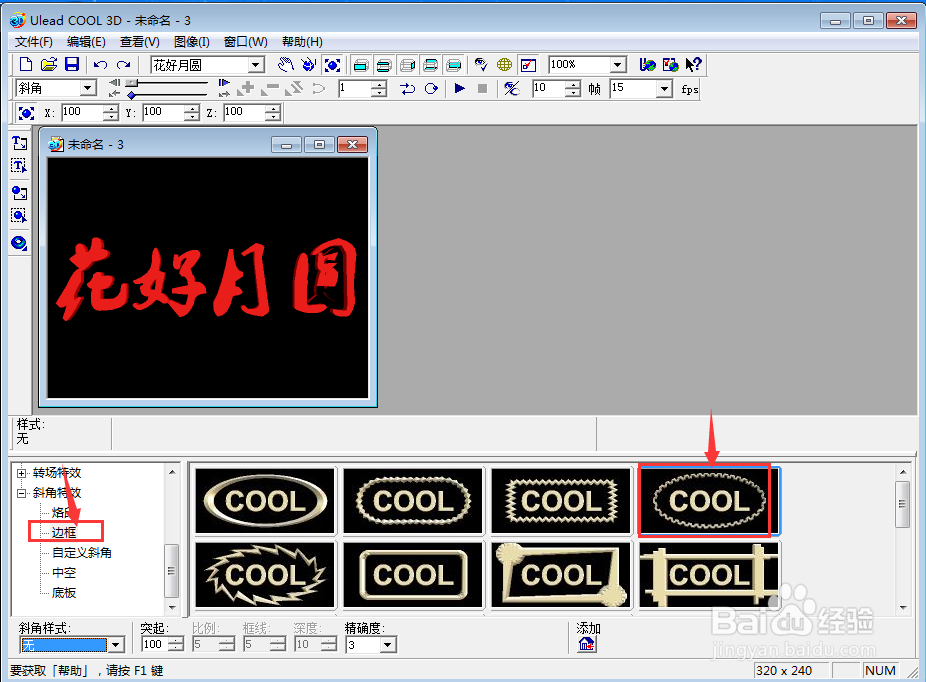
5、点击斜角特效,选择边框,双击添加一种边框样式;
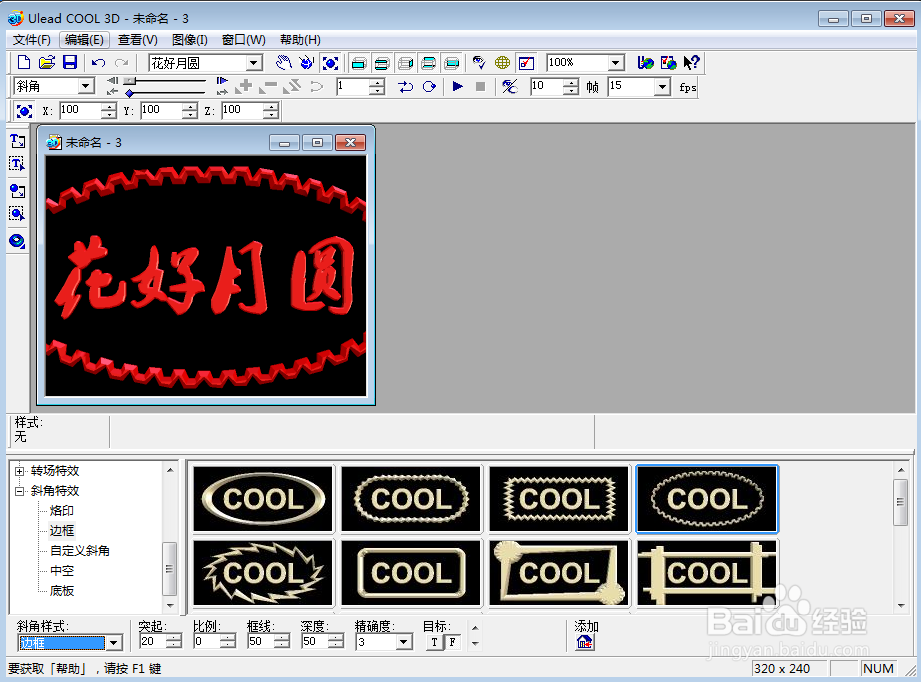
6、我们就在ulead cool 3d中给文字添加上了边框。
阅读量:24
阅读量:115
阅读量:38
阅读量:72
阅读量:148
1、打开ulead cool 3d,进入它的主界面;
2、点击插入文字工具;
3、输入需要的文字,按确定;
4、点击光线和色彩下的色彩,选择红色,按确定;
5、点击斜角特效,选择边框,双击添加一种边框样式;
6、我们就在ulead cool 3d中给文字添加上了边框。