word文档怎么快速居中
1、找到并打开目标文档

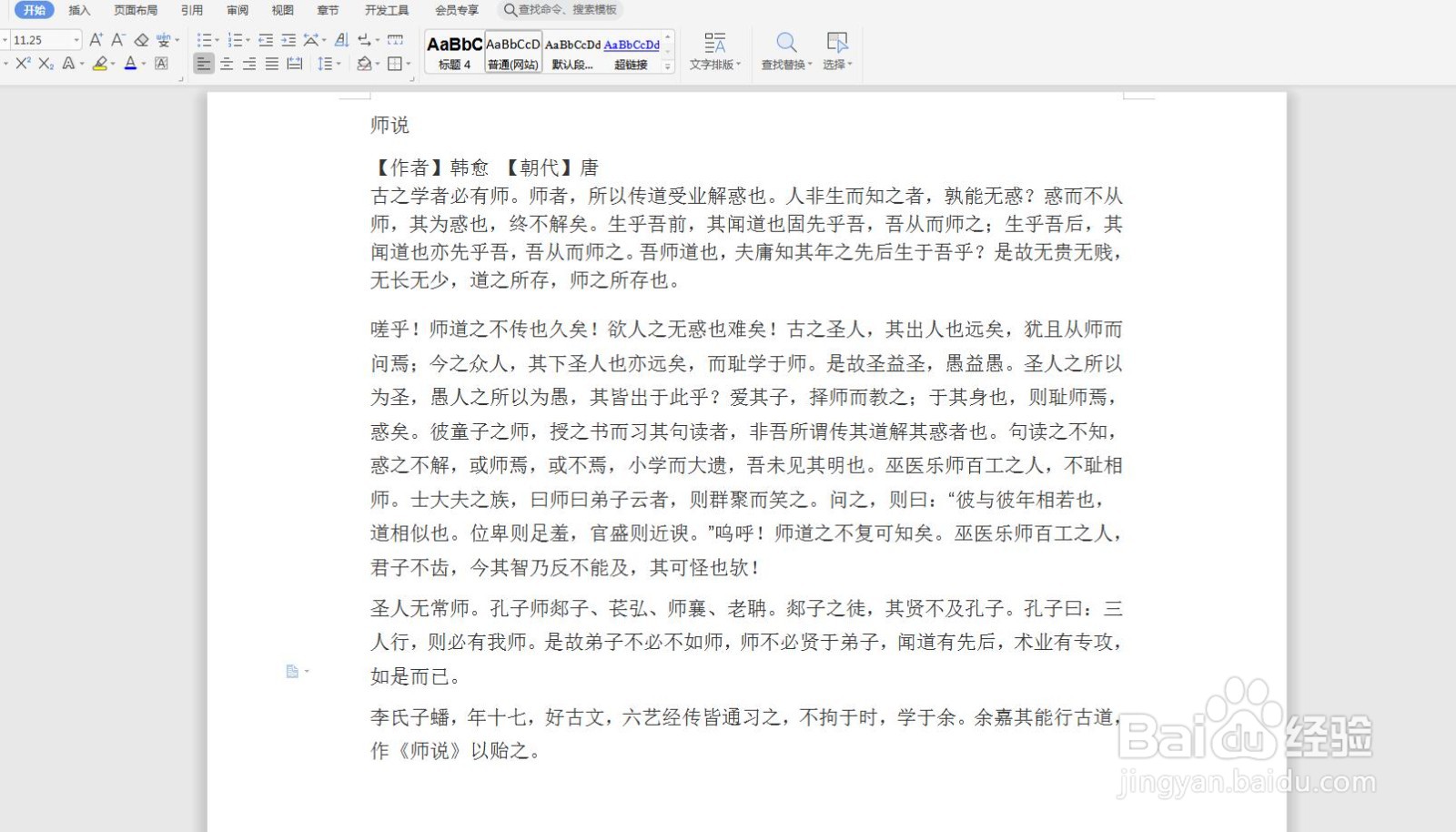
2、选中目标文字,这里以标题为例;
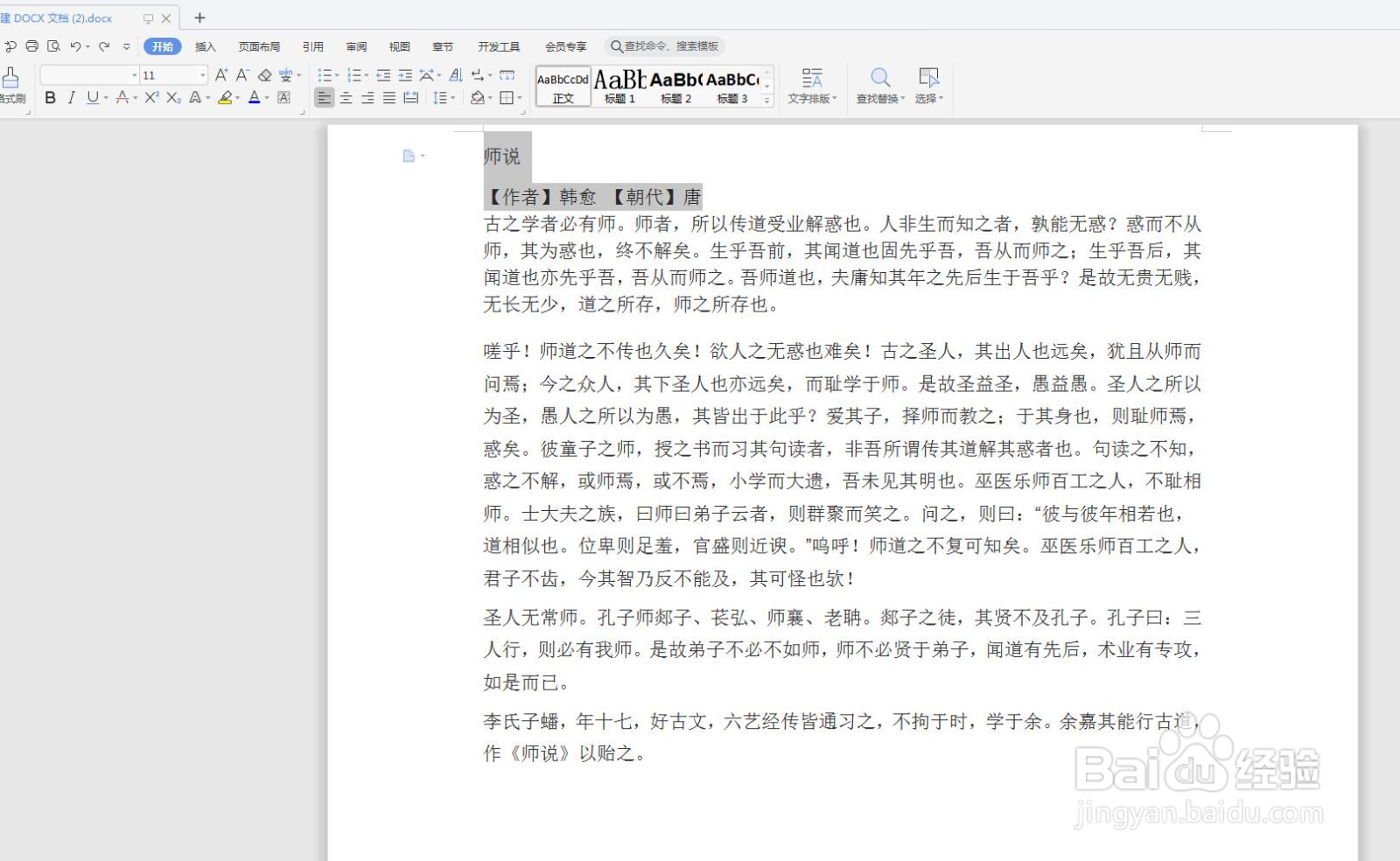
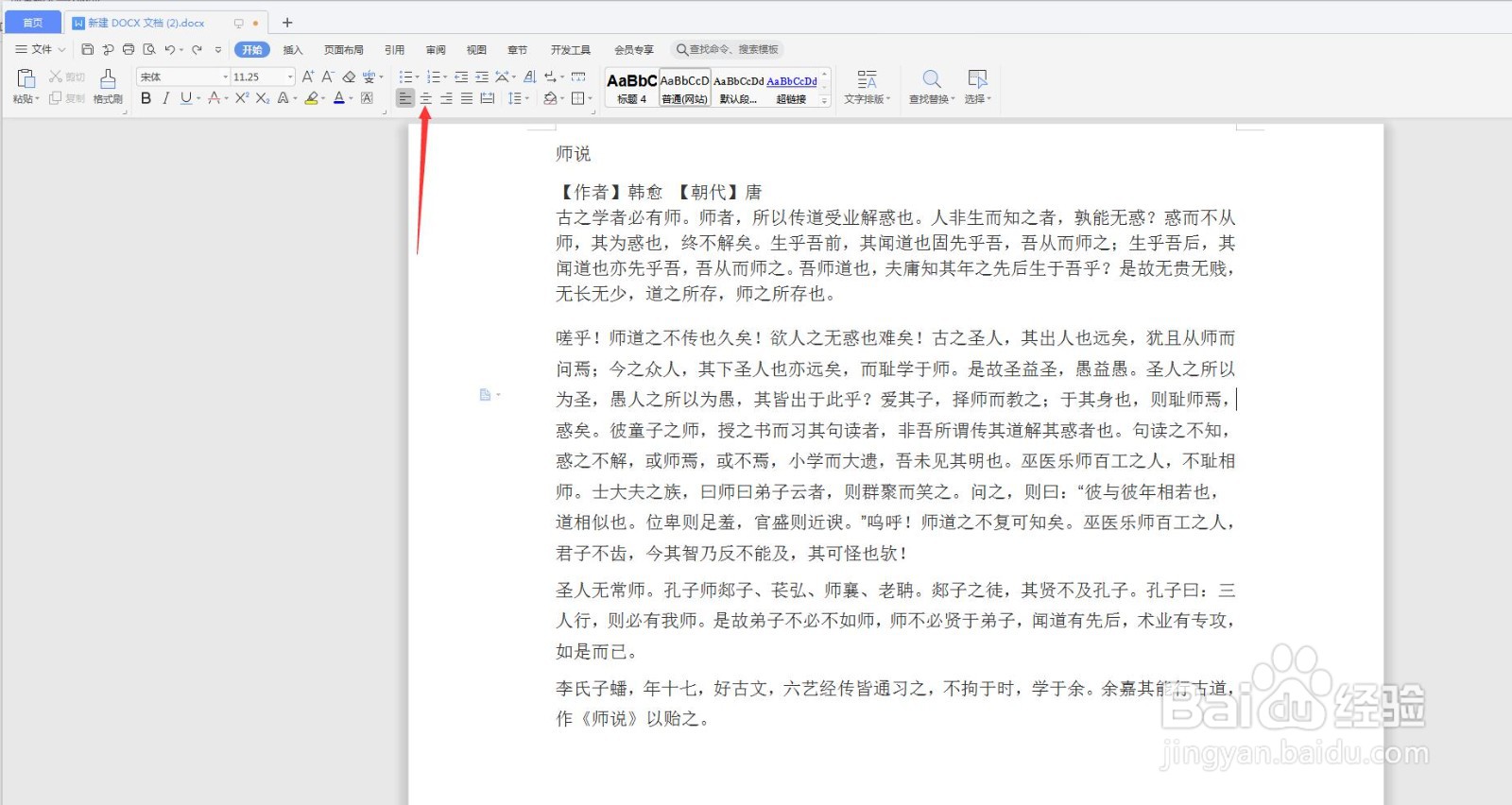
3、点击箭头所指位置,弹出如下界面
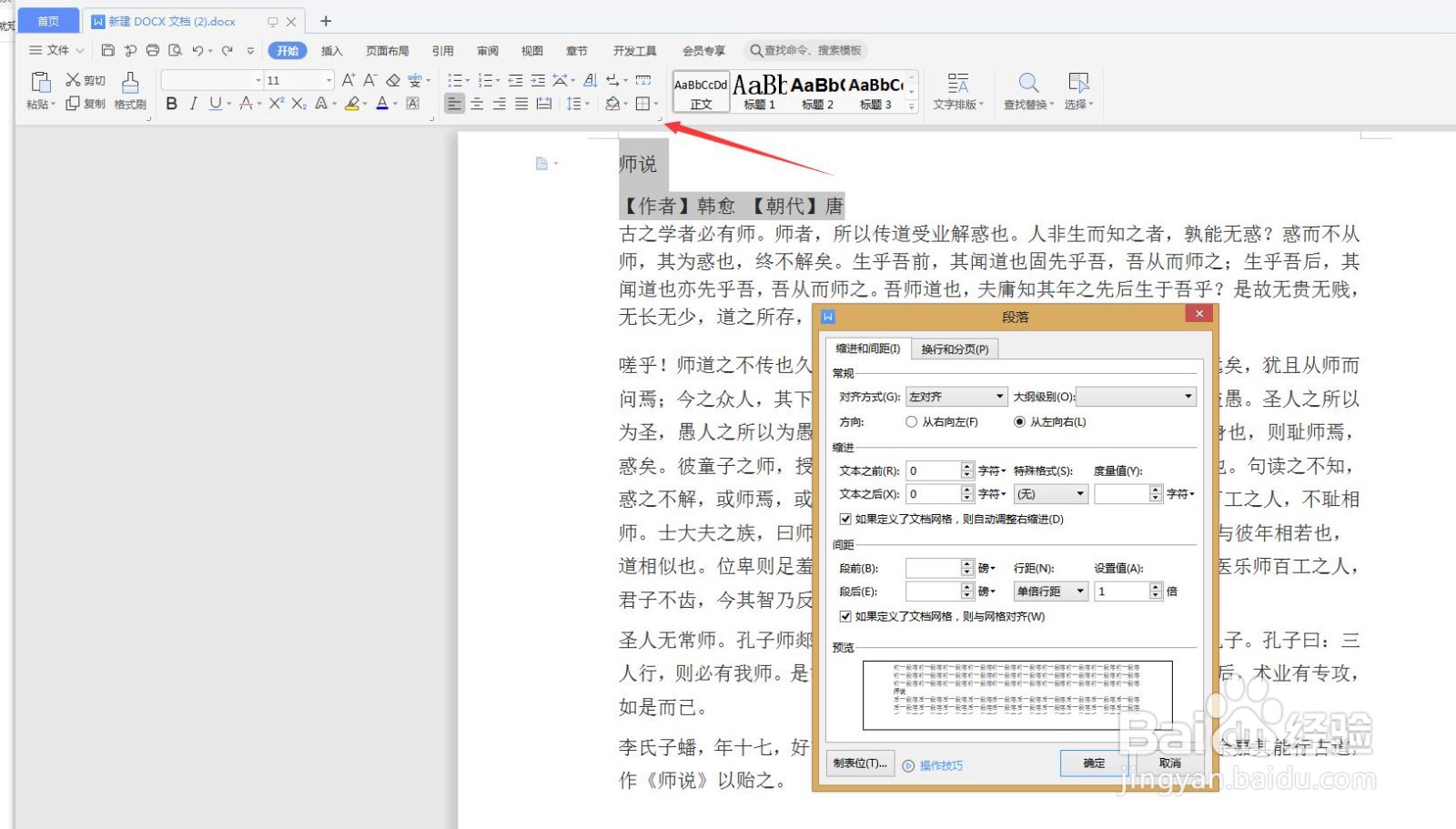
4、选择对齐方式—居中对齐,单击确定即可
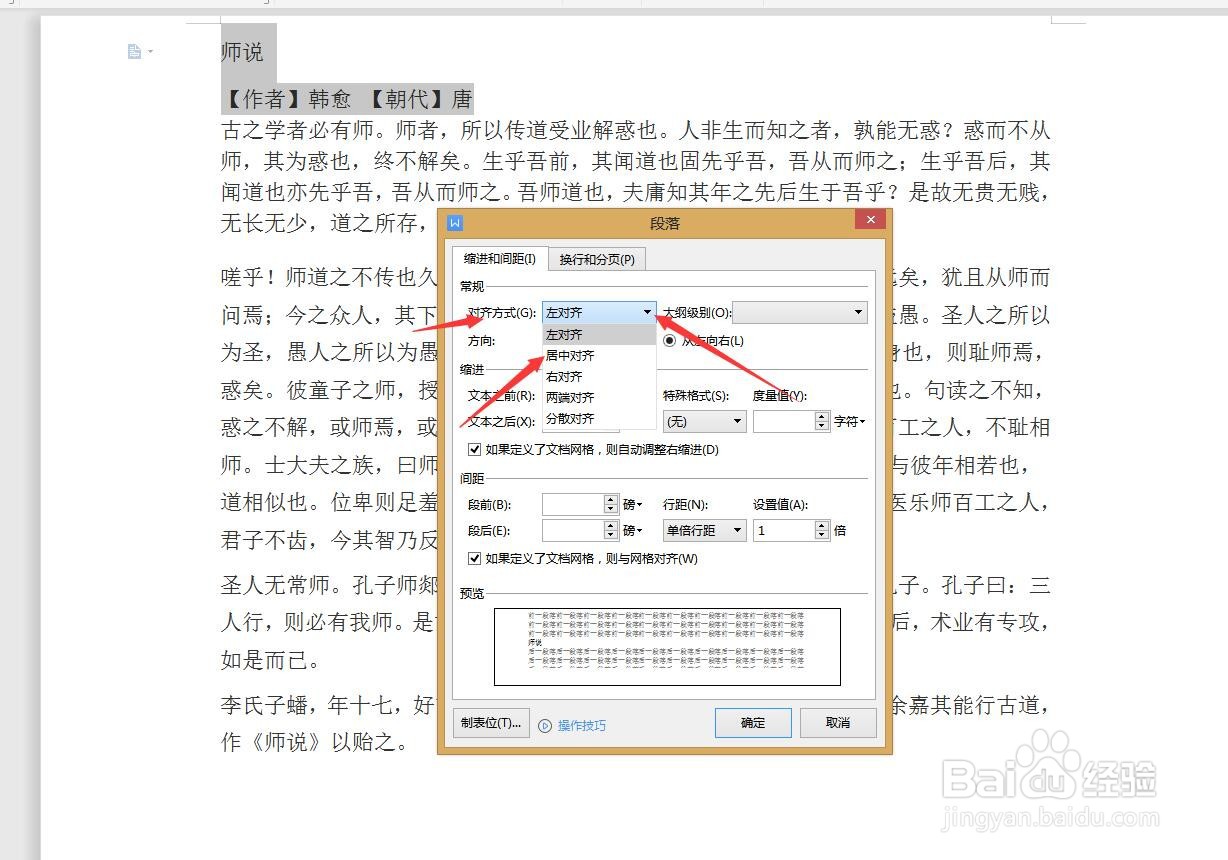
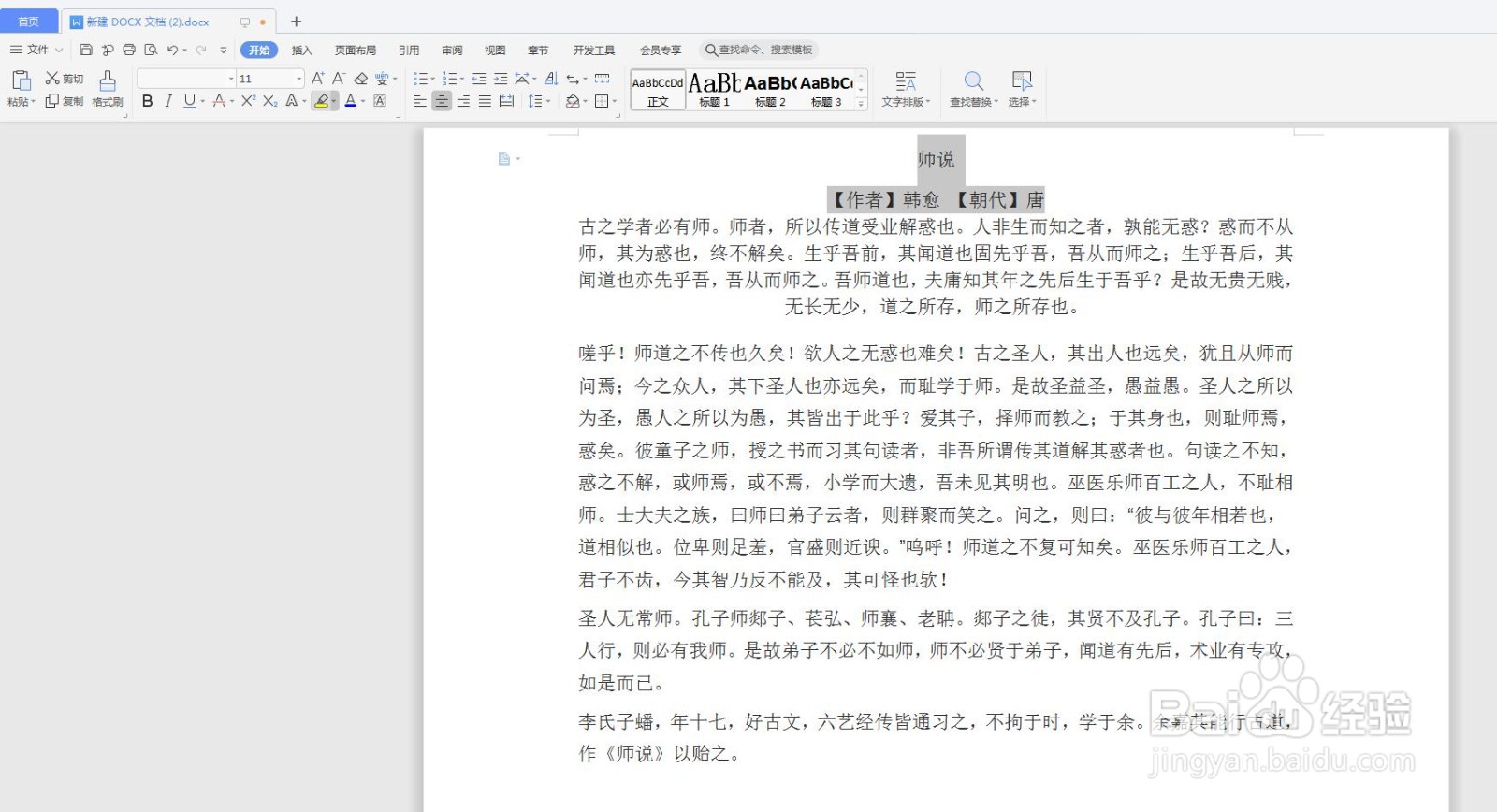
1、找到并打开目标文档,选中目标文字,单击箭头所指位置即可。

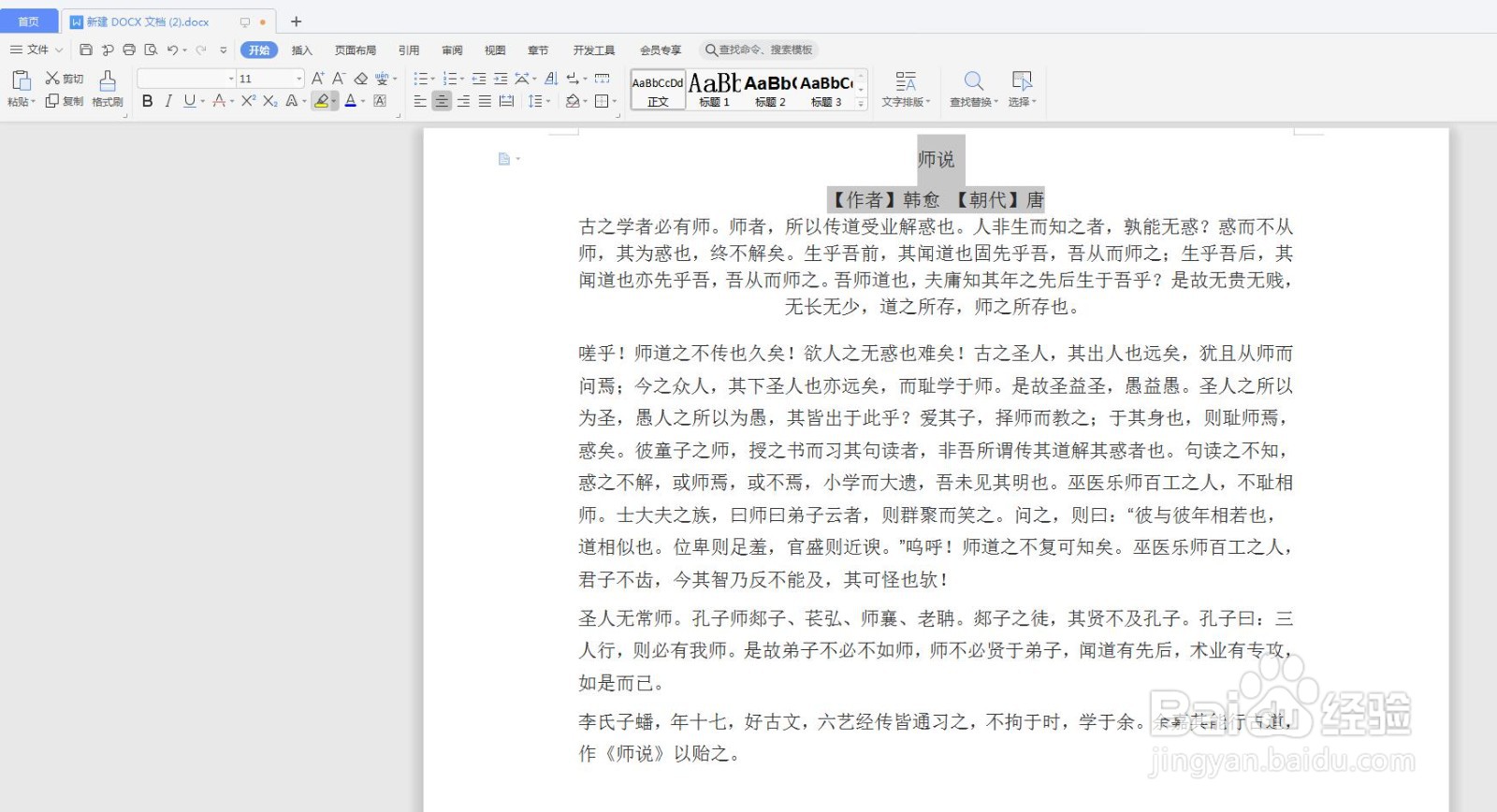
1、找到并打开目标文档,选中目标文字,键盘:ctl+E,快速居中。
阅读量:30
阅读量:194
阅读量:81
阅读量:190
阅读量:153
1、找到并打开目标文档
2、选中目标文字,这里以标题为例;
3、点击箭头所指位置,弹出如下界面
4、选择对齐方式—居中对齐,单击确定即可
1、找到并打开目标文档,选中目标文字,单击箭头所指位置即可。
1、找到并打开目标文档,选中目标文字,键盘:ctl+E,快速居中。