SmileSoft App如何关闭开启自启动?
1、启动app
在手机桌面上找到app,并启动

2、选择选项
点击右上角的选项按钮,弹出功能菜单
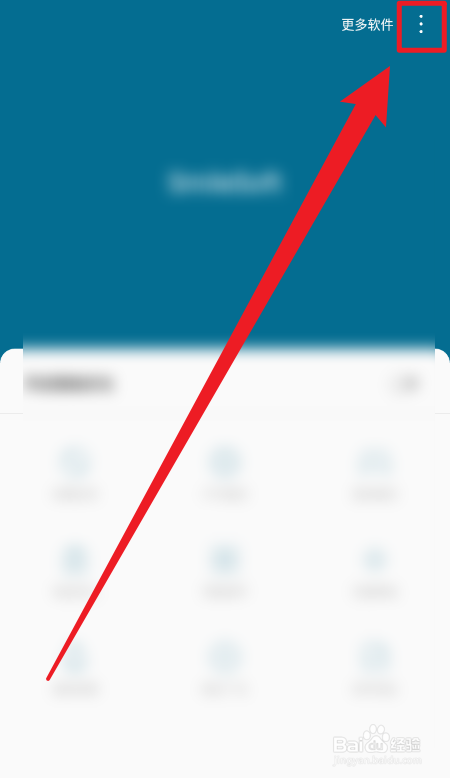
3、找到设置
在弹出的菜单中,找到设置按钮

4、找到开启自启动
在设置中找到开启自启动,当前是开启的状态
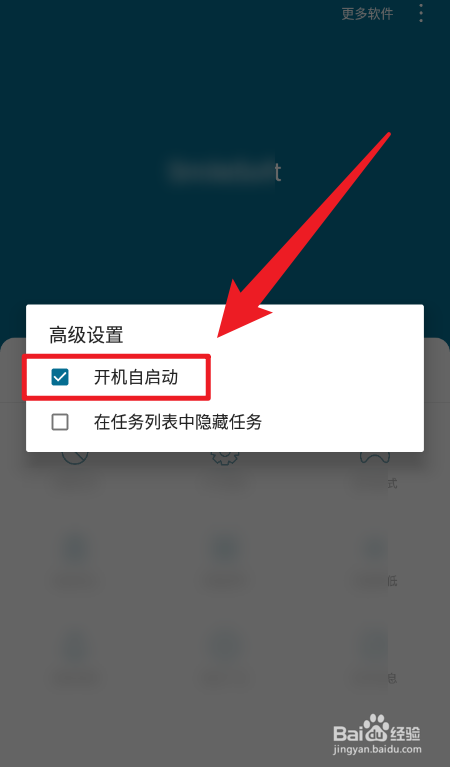
5、关闭开启自启动
勾选掉前面的勾就能关闭开启自启动功能了

阅读量:137
阅读量:165
阅读量:24
阅读量:169
阅读量:148
1、启动app
在手机桌面上找到app,并启动
2、选择选项
点击右上角的选项按钮,弹出功能菜单
3、找到设置
在弹出的菜单中,找到设置按钮
4、找到开启自启动
在设置中找到开启自启动,当前是开启的状态
5、关闭开启自启动
勾选掉前面的勾就能关闭开启自启动功能了